

With everything on the web tracking our movements, what we watch, what we browse, and much more sensitive information, it makes sense to take action to protect our privacy and anonymity. A VPN or virtual private network allows that to some degree.
It masks your primary IP address by assigning a remote one and connects everything you do during that particular session to the assigned IP. To understand it fully, we have to explain some basics.
What is an IP address?
You can think of your IP address like your home or street address. When you connect to the internet through your ISP (Internet Service Provider), your household is assigned an IP address. Now, your primary IP address can change, but a lot of times, you retain the same IP for an extended period.
Providers also keep logs — detailed digital files — on what happens with an IP, including websites you visit. At the same time, there are a number of third parties tracking your activity, as well. Some of the websites you visit, as well as applications you use, collect additional information.
All of this digital data or information can be attributed to you and your household. It’s also how many of those creepy advertisements are delivered to you. In a way, your devices really are listening and watching you.
Realistically, this process and the data collection measures are much more complex, but this serves as a rudimentary explanation of how it works.
How does a VPN protect you?
When you activate a VPN, the service you use connects you to a remote server through an assigned IP that masks your primary or core IP. It’s sort of like leapfrogging through a remote internet connection. Anytime an application, data tracker, or collection tool records information related to your habits, it scoops up the remote IP.
Essentially, it looks like you’re browsing from that remote IP instead of where you really are. That’s also how VPN services allow you to bypass things like geo-restrictions on streaming platforms.
It’s also important to understand that sophisticated data tracking tools can identify a VPN, and they still use other methods to track what you’re doing. That’s why a VPN alone isn’t always enough to provide comprehensive privacy. But when you use one in conjunction with ad blockers and other tools, like a privacy-focused browser, you can cut down on a lot of that happening.
You can use a browser like Brave or something like Tor to significantly block tracking, snooping, and other data sniffing measures.
Why would you want to stay private?
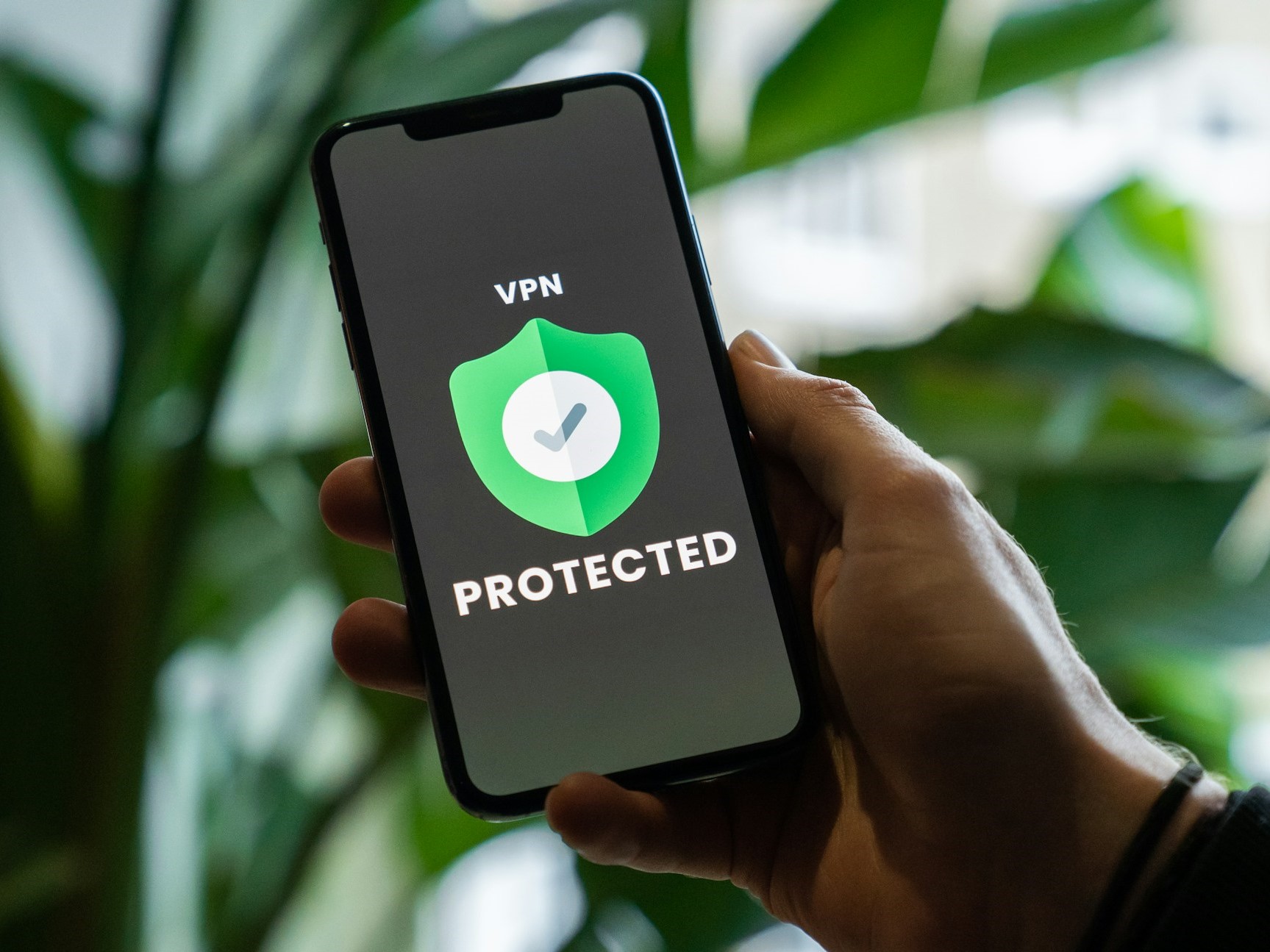 Source: Privecstasy / Unsplash
A common misconception with privacy tools is that they are mainly used for illicit or nefarious activities. But we live in the information age, where everything is digital and everything we do, online or not, has some bleedover into that space.
It’s not about hiding what you’re doing. It’s about keeping your digital identity fragmented so that data brokers and third parties cannot build a complete profile of everything you do online. That includes your family and friends.
Everyone should be using a VPN. It’s your information and your data, and allowing companies to collect, collate, share, and sell it all, with no oversight, is not a good thing for anyone. Data-oriented companies would argue with this, and when you sign a user agreement and begin using a new service, you’re often giving up your rights, and in ways you can’t even imagine.
They don’t have your best interests at heart
Moreover, these corporations and companies have proven time and time again that they do not have our best interests at heart. They cut corners, they don’t invest in the appropriate information security technologies, and they also mishandle a lot of that data. Data breaches have become so commonplace that so many of us have become desensitized to them. And those breaches have real-world consequences.
It’s just one example of many, but identity thieves can use leaked information to open accounts or credit cards, stalk you, or even find ways to communicate with you and trick you. If they know what bank you use, they could pose as an official and gain your trust by sharing your sensitive information. They might even be able to gain access to your online accounts through social engineering.
It’s unfortunate, but the average person cannot trust data handlers to protect them. We must take it upon ourselves to make that happen, and VPNs are an exceptionally powerful start to that process.
Are all VPN providers the same?
No. In fact, there are bad actors in the VPN space as well.
Some things you should be looking for when choosing a VPN include:
- Strong encryption protocols like WireGuard.
- A strict no-log policy, which means they do not keep detailed logs of any kind about user browsing habits and connections.
- Active server locations with options to swap or choose your remote IP.
- The primary operating location, jurisdiction, and ownership. Some countries have strict privacy laws, and that matters.
- A policy of transparency with information about provider operations, third-party partnerships, and infrastructure.
- Independent verification of all policies and promises that have been vetted by a trusted resource. Just because they say they don’t keep logs or respect your privacy doesn’t mean that’s really happening behind the scenes.
Will a VPN slow down my browsing or streaming?
 Source: Annie Spratt / Unsplash
They can, yes, and sometimes that’s the trade-off for preserving your anonymity. However, most VPN providers streamline technologies to improve bandwidth, speed, and connections. This information should be readily available before you sign up or pay for a subscription.
Also, if you plan to use a VPN with streaming services, you’ll want to double-check compatibility. Some of these services don’t play nicely with each other. Again, that information should be available before you pay any money or use a service.
Is a VPN always on?
Kind of, but not really. You’re protected as long as the VPN is active, which is usually done by installing and connecting through their proprietary apps. Many of those apps do offer cross-platform support, meaning you can protect your PCs, laptops, tablets, phones, and sometimes game consoles and other devices.
Generally, you have to start or activate your VPN each time you want to browse. As long as the connection is activated, it will stay that way. If you disconnect, turn off your primary device, or close the related app, you may need to reconnect later.
How do I know my VPN is working?
There are tools you can use to check your VPN and see if data is leaking. A great option is VPN Testing dot com.
If your information is “leaking” it means you’re not truly browsing behind a VPN, so you’re not protected, and those creepy trackers can see your core IP and any information associated with it.
What are the best VPNs to use?
I cannot stress enough the importance of doing your own research and choosing a VPN that offers the features, protection and price that work best for you. Don’t just take my word for it, or anyone else’s, for that matter.
However, some top recommendations include Surfshark, NordVPN, SafeShellVPN and a few others.


