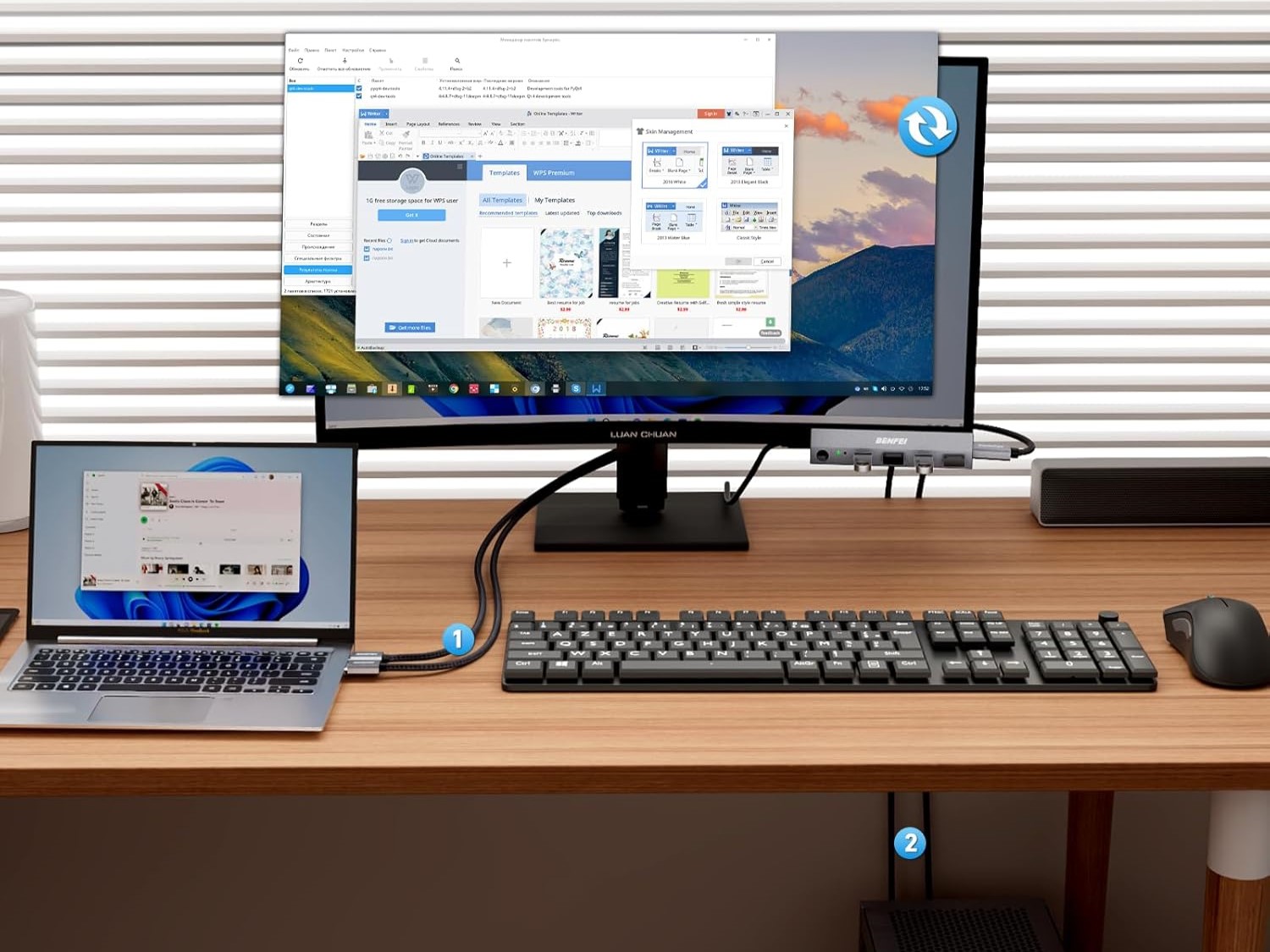
A KVM switch, which stands for Keyboard Video Mouse switch, is a small device, available in various forms, that allows you to connect one set of peripherals to multiple computers, servers, or workstations. Most have a display or control function that allows you to switch between systems. Sometimes, you can use a function macro on the keyboard to do this, or to switch between users and profiles. Why would you need one? Basically, it’s so you can take a mouse and keyboard you really love and connect them easily to different computers. You can swap between a desktop and laptop, or a desktop and mini PC, for example.
Your average KVM switch looks like a small USB hub or a docking station. There are many available on Amazon from companies like Ugreen, MT-VIKI, and a few other brands. More recently, some monitor providers have begun incorporating KVM switches into their displays, sort of like an AIO computer. Philips has several actually, mostly for business and professional settings. Alternatively, there are Samsung, ASUS, and LG models that include KVM switches, as well as a few other gaming monitors from non-descript manufacturers.
How does a KVM switch actually work?

It’s pretty simple. Like a dock or USB hub, you connect all the devices you want to control to the KVM switch. If it’s a desktop box or unit you connect your computers to the box, usually via USB, then you connect the unit to your display via HDMI. If it’s built into a monitor, you simply connect your primary computers or devices to the available ports — it’s already synced with the display internally. Using the peripherals you also have plugged in, you can simply swap between connected devices without unplugging and plugging back in the mouse and keyboard and other supported gear.
While it is primarily for business settings, where professionals would be swapping between different servers or workstations, it also works great at home, especially with the advent of remote work and work-from-home opportunities. Why? Because you can plug your laptop into the KVM and use the same keyboard and mouse you’re used to at your desk. Then when you leave, unplug it and use it as normal. At the same time, a desktop PC or mini PC you have plugged into the KVM remains there and you never have to unplug the peripherals, displays, or connected gear. Basically, it’s a faster way to use the same monitor or display with multiple systems.
Are docking stations different?

A docking station may include a KVM switch built-in and they function similarly. But the biggest difference is that a docking station is meant to expand the capabilities of a system. For example, you can plug your phone into a docking station — phones usually have only a single USB-C port — and expand it with multiple ports available in the station. The same is true of something like the Steam Deck which has a single USB-C port. Plugging them into a docking station allows you access to additional storage, additional USB ports, removable media, and much more.
A docking station might also extend that capability and functionality to a laptop, mini PCs, and so on. They aren’t necessarily all KVM capable.
Featured image from Benfei | Amazon.