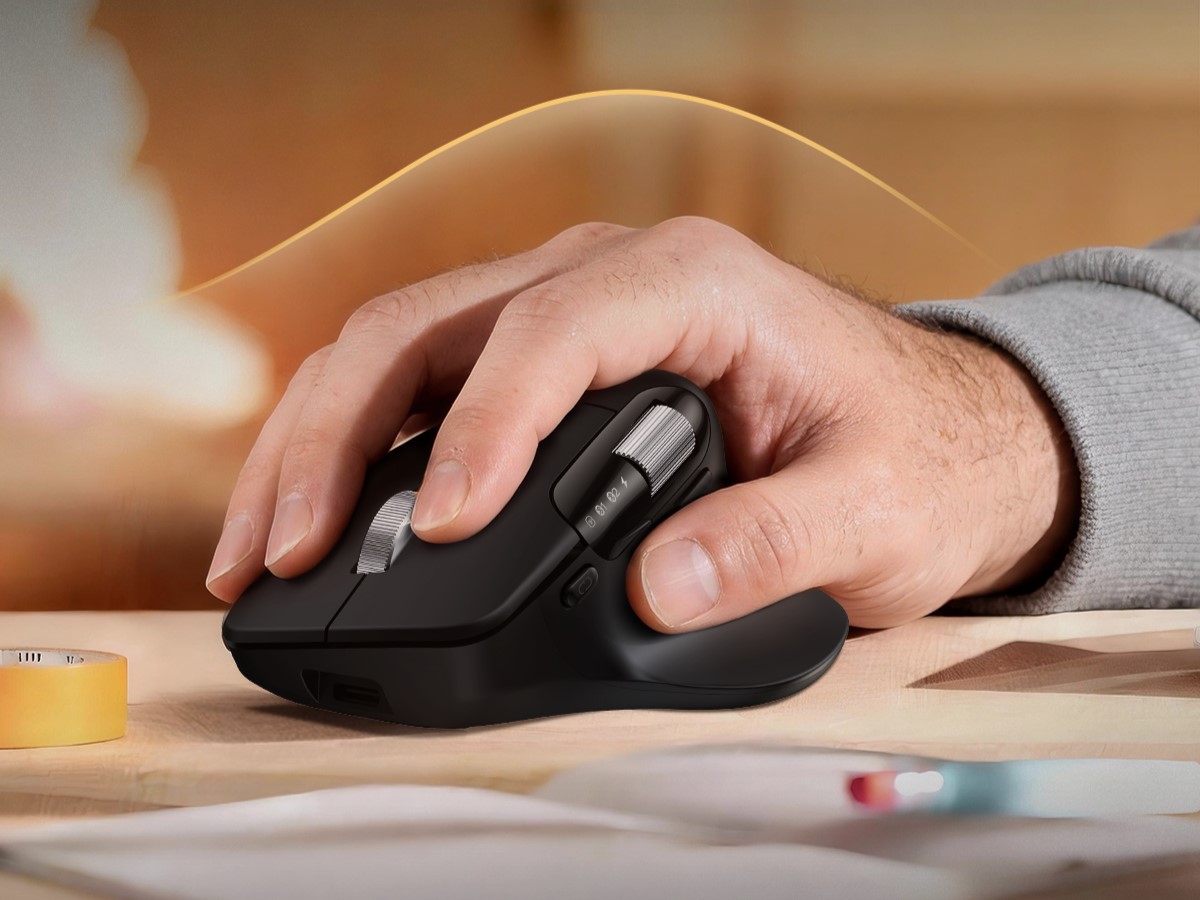
The ProtoArc EM25 is a highly-capable and improved performance ergonomic mouse with a naturally tilted design to make all-day use more comfortable.
But it’s not just a uniquely designed ergo mouse. It also comes with a host of excellent features. The high-speed “flywheel” scroll wheel, with up to 1,000 lines of scrolling per second, and the dual scroll wheels together, both make for interesting improvements over a traditional mouse. The second scroll wheel is positioned by the thumb, too. You get triple connectivity, including 2.4G wireless, and dual Bluetooth. The adjustable 8,000 DPI or dots per inch offers customizable sensitivity, with seven adjustment levels, plus you get web-based macro programming, and a 500mAh rechargeable battery with USB Type-C charging. The 1,000Hz polling rate is also much higher than your average mouse — for better precision.
What else does the ProtoArc EM25 ergonomic mouse offer?
It works with Windows and macOS, computers as you’d expect, but also on mobile and other platforms, including Android, iPadOS and ChromeOS. That allows you to take the EM25 with you if you move from say, your desktop PC to your Chromebook to work on the back patio or something. The quiet clicks, for no distractions, forward buttons, and web-based customization don’t require any software downloads to use. There are six programmable buttons total, as well.
The 500mAh battery when fully charged offers up to 200 days of standby. You also get a 10 meter wireless range and can connect up to three devices simultaneously — one 2.4G and two Bluetooth. Switching between all connected devices is done with a simple button press. All in all, this would be an excellent candidate for any remote work or work-from-home setup. If you’re not gaming or doing anything that requires ultra-high-precision this mouse would be a fantastic daily driver. It’s not too costly either.


Who is it for?
Remote workers, gig workers, freelancers, office folks, and anyone that wants a more ergonomic home desktop setup.
Where to buy?
MSRP: $50